
Project board
Last updated:
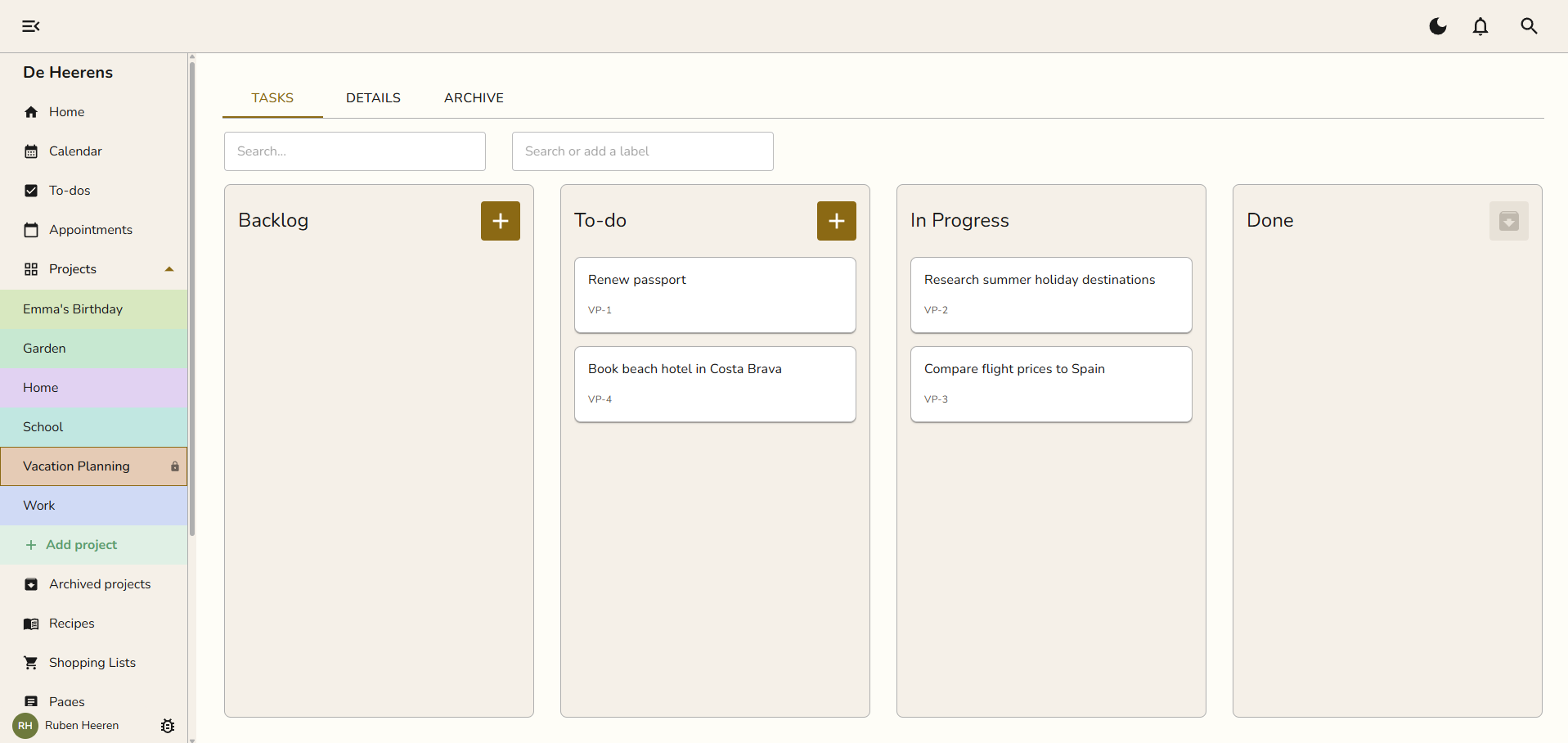
Every project has a board with its to-dos. When you pick a project for a to-do, the to-do goes on that project's board.
The board is drag-and-drop, with three columns: To-do, In Progress, and Done.
Everyone who can see the project sees its to-dos. Assign a to-do to one or more people, so everyone sees what is theirs.
Optionally you can enable the Backlog and Test columns, handy for certain kinds of projects, such as software projects.
Recurring
Set a to-do to repeat daily, weekly, or monthly. Edit or delete a single occurrence, or the whole series.
Labels
Tag any to-do with colored labels to group and filter your work.