
Pages
Last updated:
Pages are free-form notes for anything that does not fit a to-do or an event: house rules, a travel itinerary, a wishlist, meeting notes.
Writing a page
Open Pages and create one. Write with the rich text editor: headings, lists, links, and images.
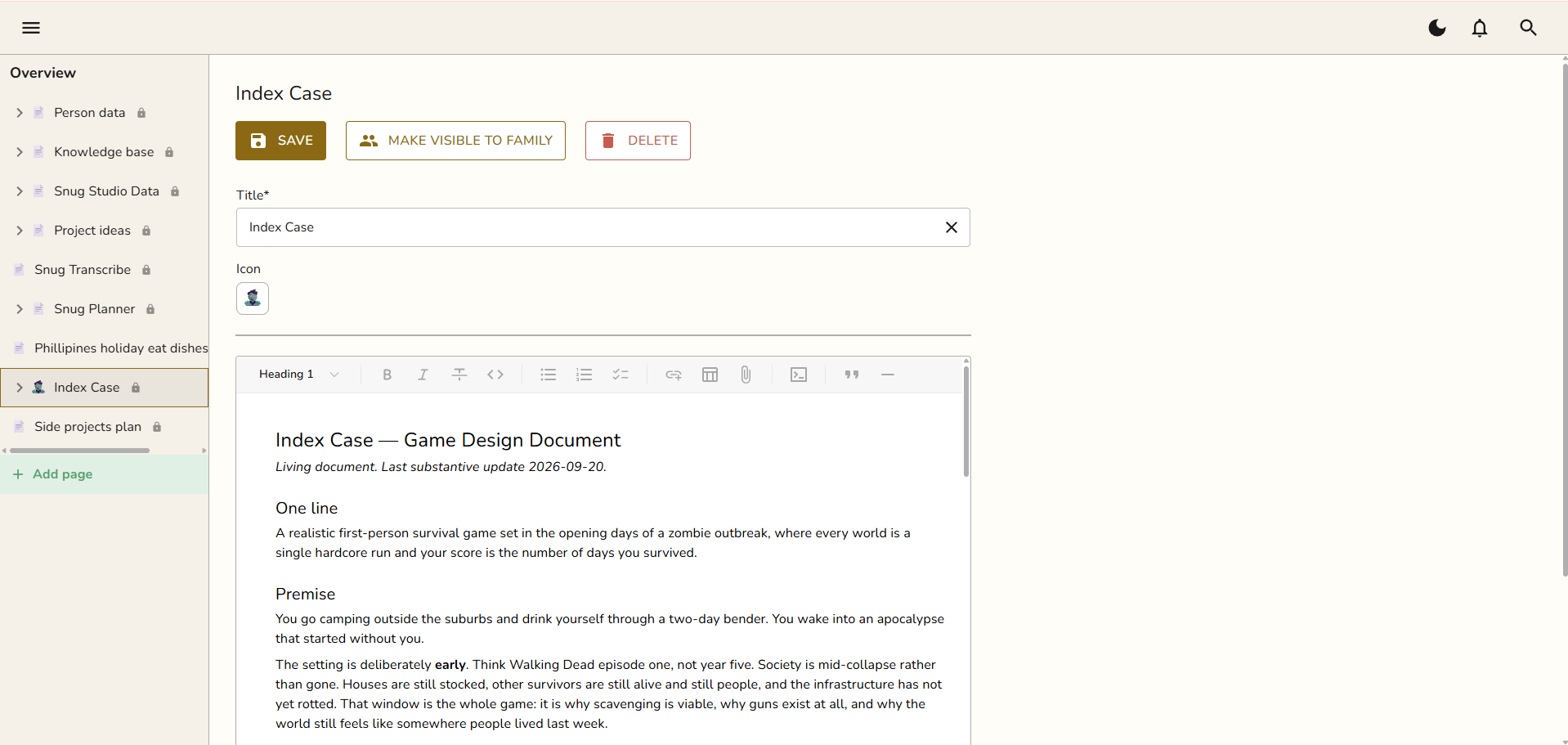
Sharing a page
A new page is private to you. To share it, open the page menu and choose Make visible to planner members. Everyone in your planner can then read and edit it. Sharing your planner with other people needs Snug Plus.
Importing from Obsidian or Notion
Moving your notes over? Open Pages, click Import and pick where they come from.
Obsidian vault: pick a .zip of your vault. Folders become pages, and images come along.
Notion: in Notion, export as Markdown & CSV. Then pick the .zip Notion gives you. Subpages stay nested and images come along. Databases stay behind for now.
An import brings in every page, even past the 10 pages in Snug Free. New pages you make yourself after that need Plus.
Export and print
Open the page menu and choose Export as PDF, Export as Markdown or Print. Snug asks whether to include the page title.