
Family
Last updated:
Your family is the shared space everyone works in. Rename it, set its short code, and manage who belongs to it, all from one page.
Family name and short code
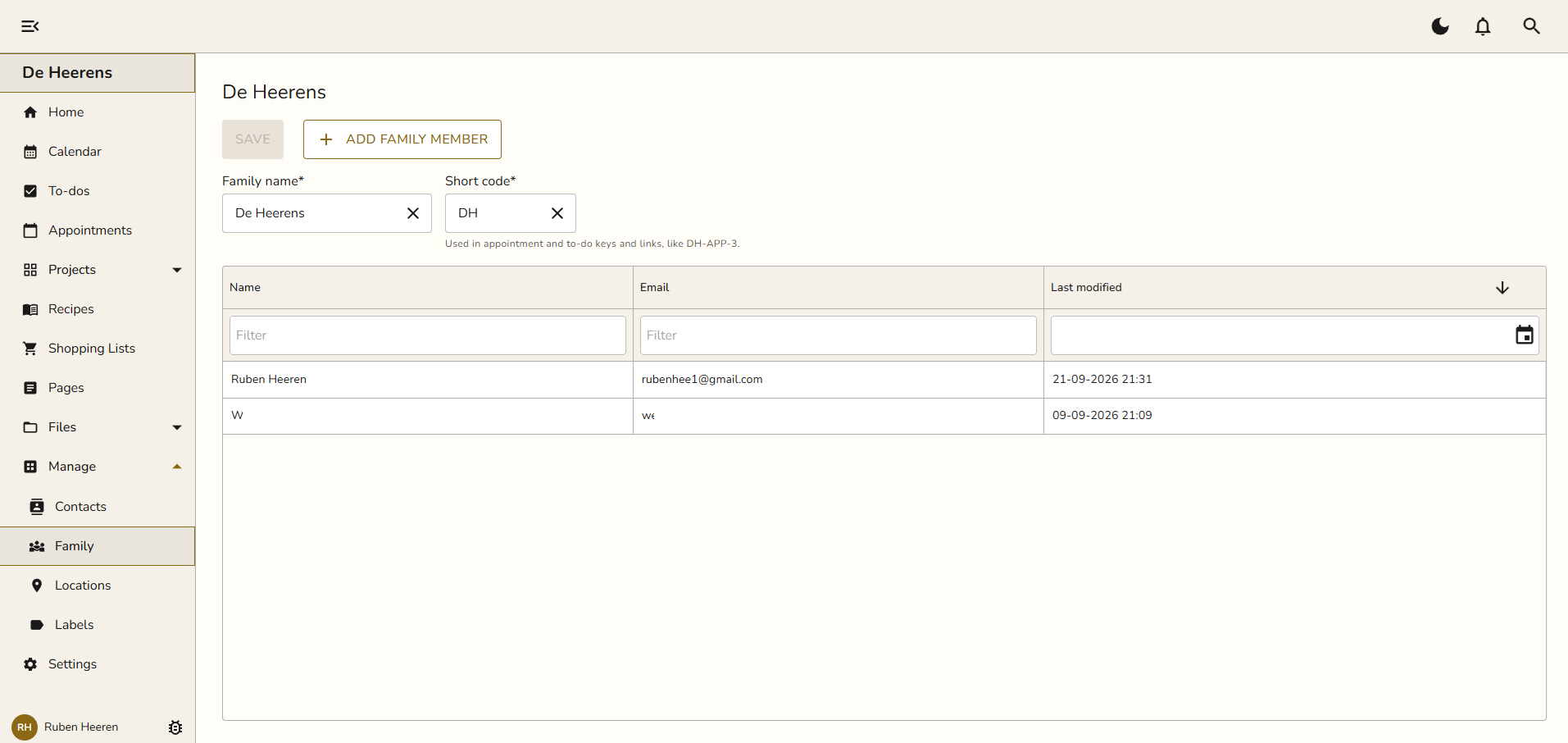
Go to Manage > Family. The Family name is how Snug refers to your household.
The Short code is a couple of letters that prefix your appointment and to-do keys.
Change either one and click Save.
Adding a family member
Click Add family member. Snug asks how you want to add them.
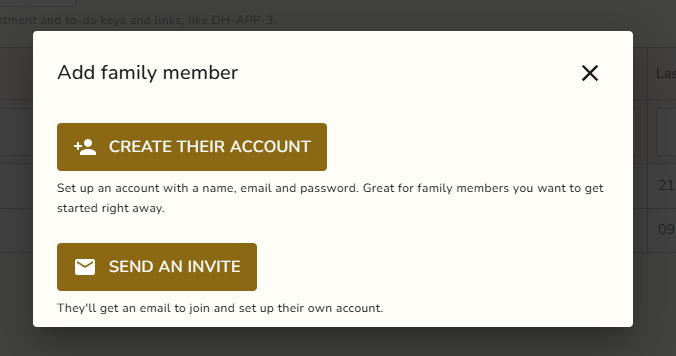
Create their account sets up a member right away with a name, email, and password. Good for a child or anyone who will not sign in themselves.
Send an invite emails them a link to join and set up their own account. See Getting Started > Inviting Members for the full flow.
Creating an account for someone
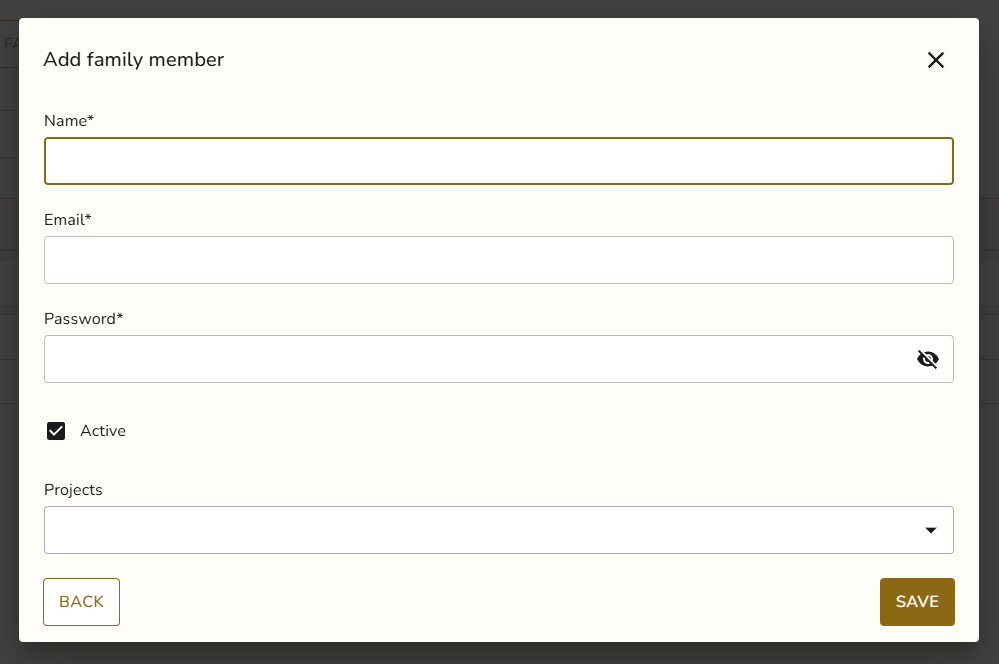
Pick Create their account and fill in their name, email, and password. Leave Active on so they can use the app right away. You can also assign them to one or more Projects here. Click Save and they appear in the list.
The member list
Everyone in the family shows up in the table with their name, email, and when they were last changed. Filter by name or email, or sort by a column, to find someone fast.