Dark Mode
Last updated:
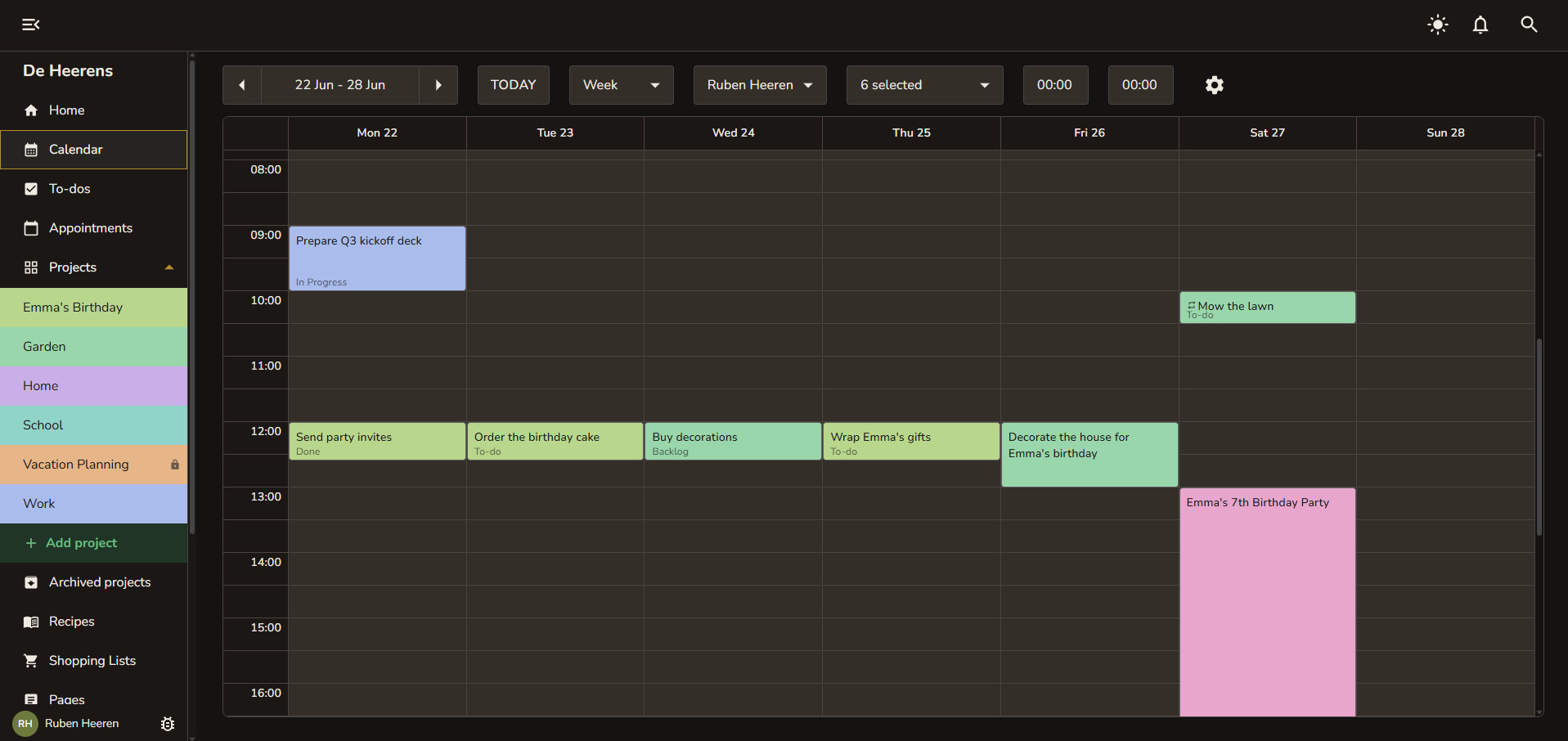
Snug includes a full dark mode with warm tones designed to feel cozy.
How it works
Dark mode follows your system preference by default. If your device is set to dark mode, Snug matches automatically.
You can also toggle it manually:
Quick toggle - Click the moon/sun icon in the top right corner of the screen.
Settings - Go to Settings and choose System, Light, or Dark under the Theme dropdown.
Your preference is saved to your account, so it follows you across devices and browsers.
What adapts
Every part of Snug adapts to the active theme:
All inputs, cards, dialogs, toolbars, and dropdowns
The calendar and project kanban boards
The rich text editor in recipes and pages
Dropdown menus and popovers