Shared links
Last updated:
Share a file with someone who does not use Snug by creating a public link.
Creating a link
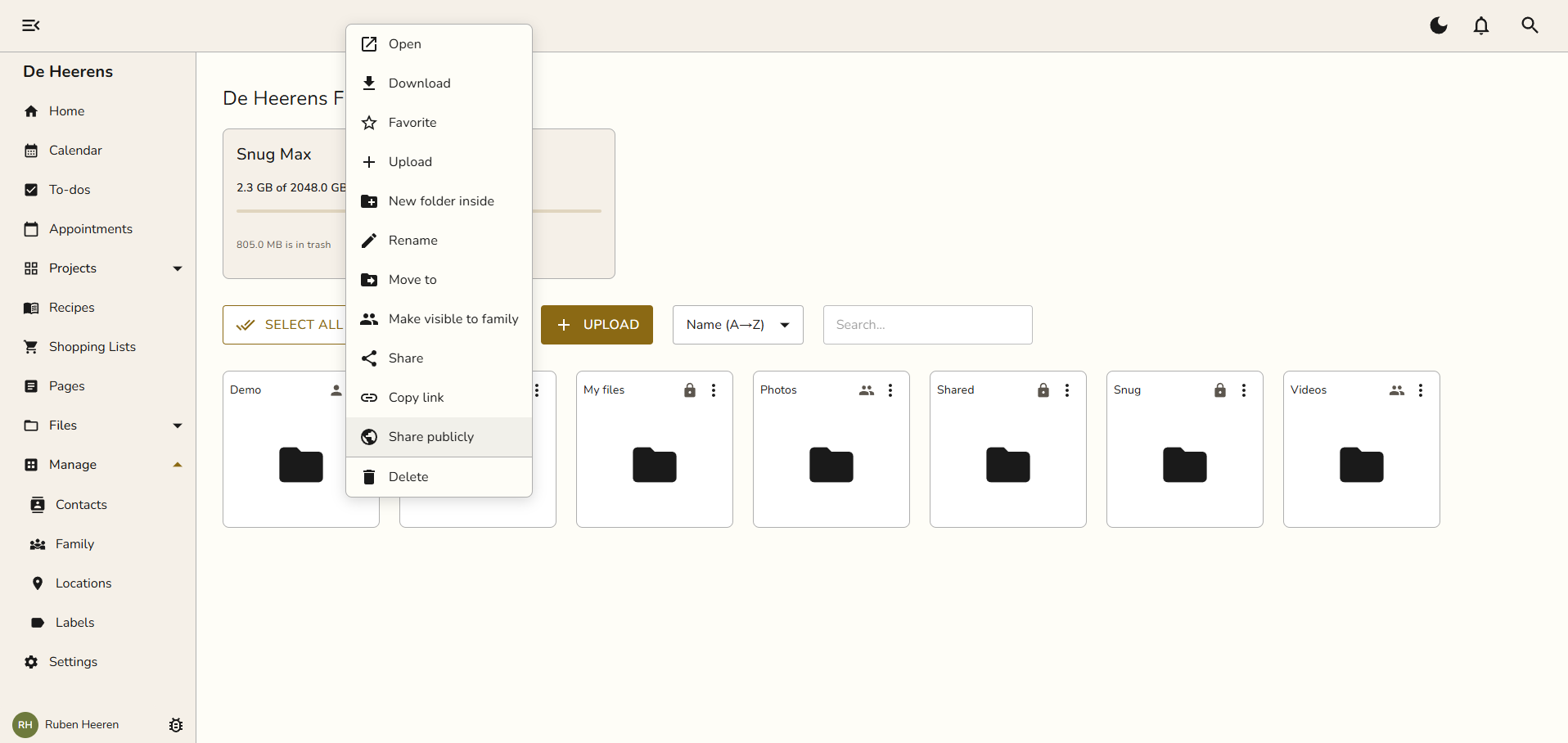
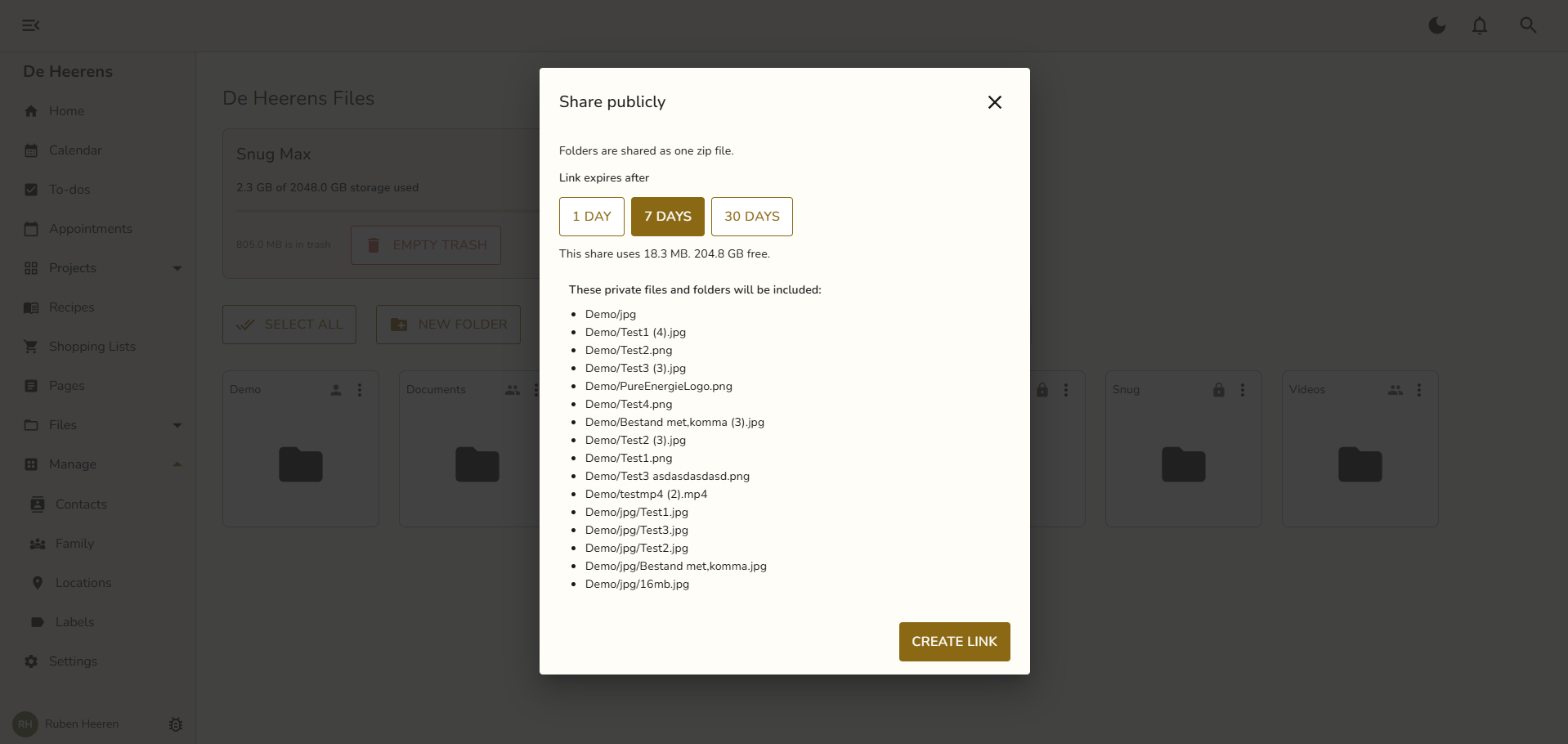
Open a file or right click a file or folder, choose Share publicy, and Snug gives you a link.
Anyone with the link can view the file. No account needed.
Managing your links
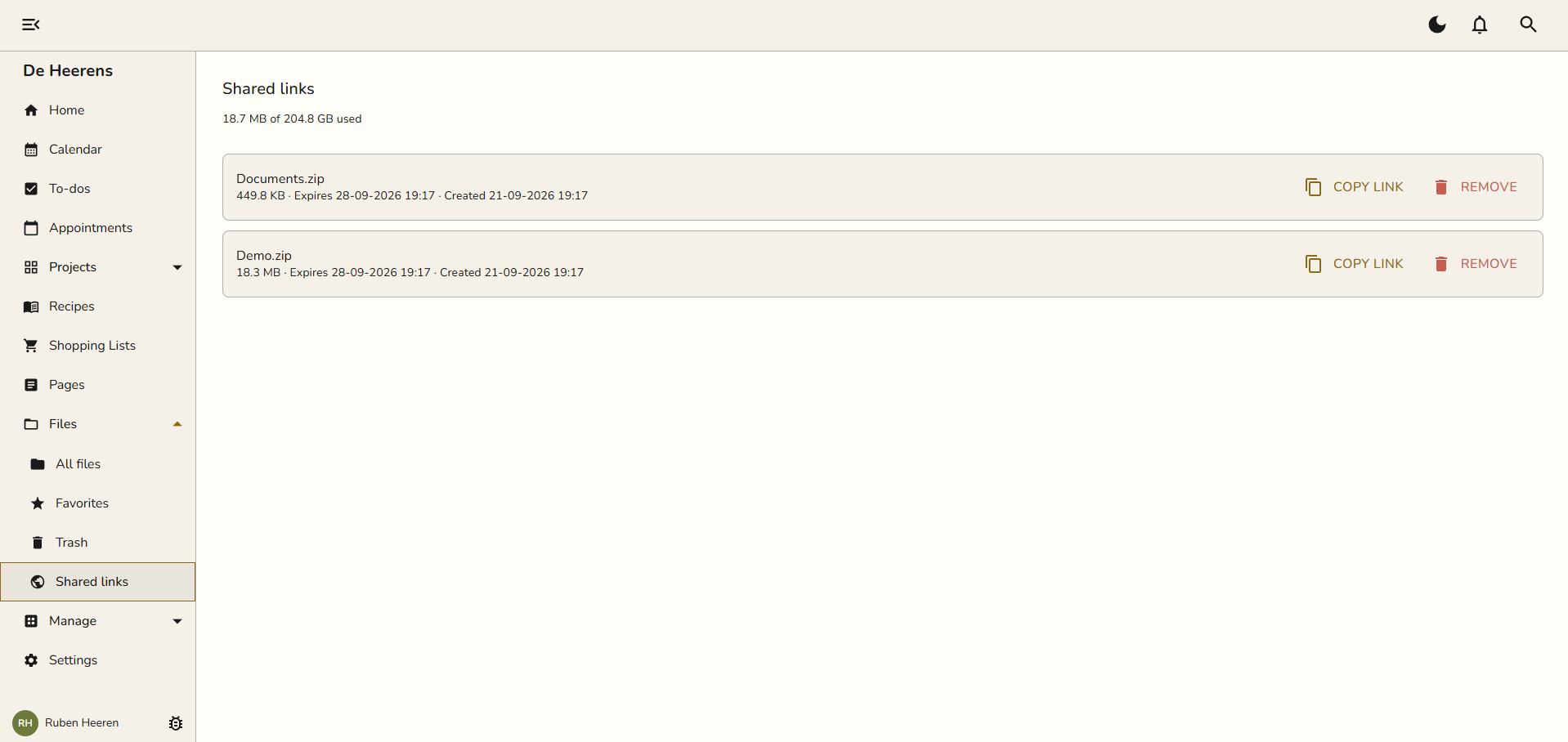
See every link you have created under Files > Shared links. Remove a link at any time to cut off access.