
Contacts
Last updated:
Keep the people you call in one directory: the pediatrician, the school, the babysitter, the plumber, relatives.
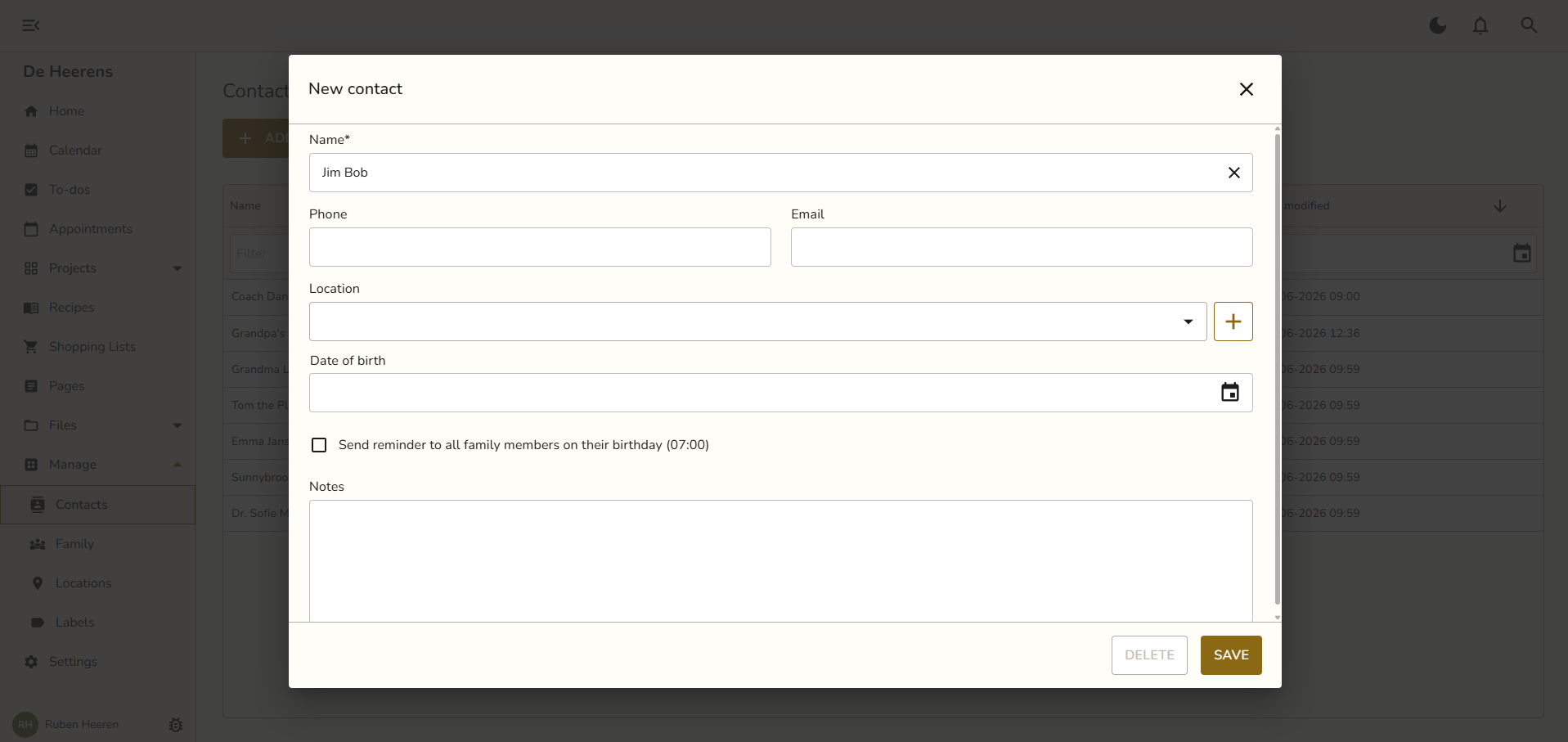
Adding a contact
Go to Manage > Contacts and add one. A contact can hold a phone number, an email, a linked saved place, and a birthday. A new contact is private to you. Make it public to share it with your planner.
Importing from your phone
In the phone app, tap Import on the Contacts page to bring in contacts and their birthdays from your phone.
Birthday reminders
Add a birthday to a contact and Snug can remind you every year. The birthday also shows on your calendar.
Linking
Attach a contact to an event or a to-do, so the number you need is right there when you open it.