
Calendar
Last updated:
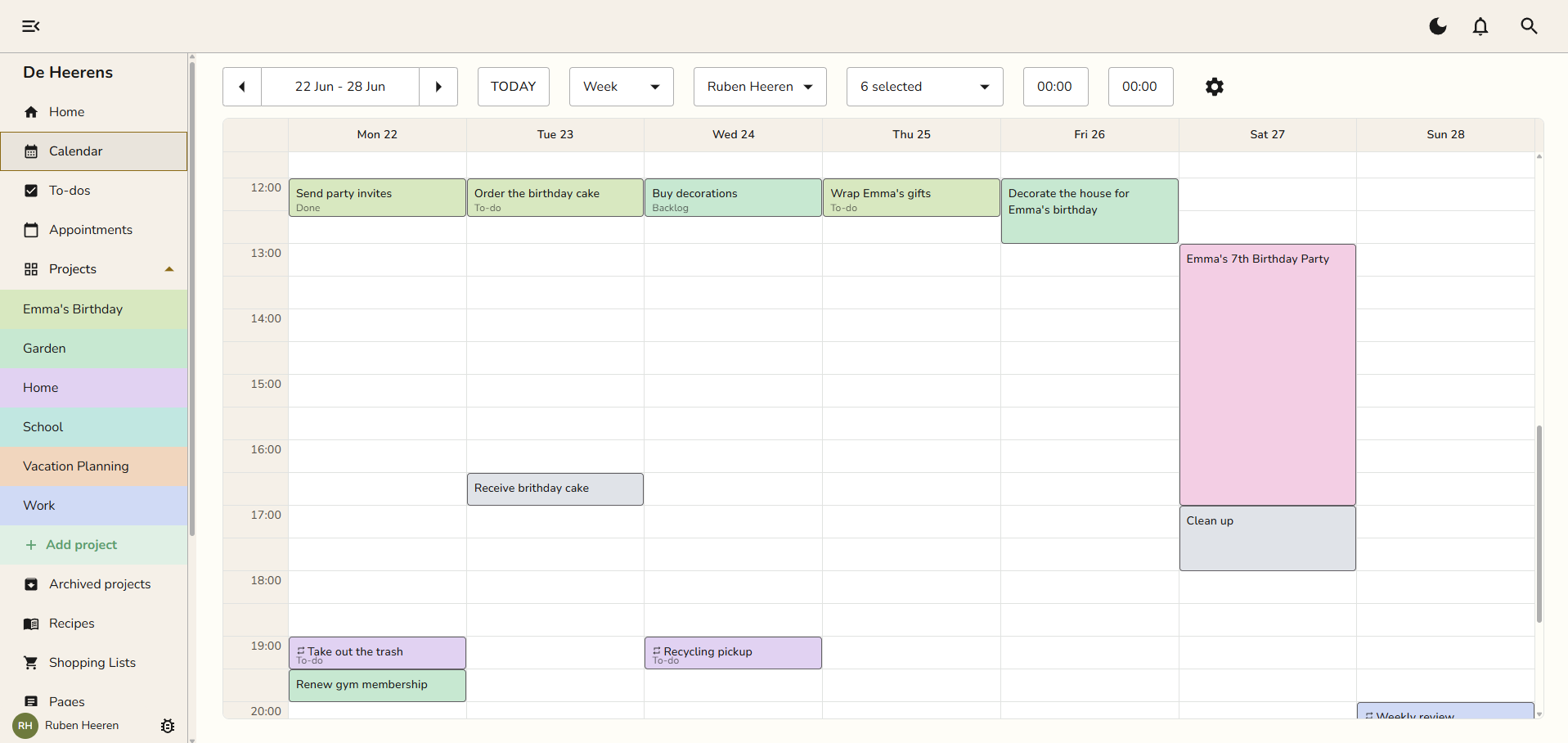
Your calendar keeps everything in one place: your events, to-dos and project to-dos. Share it with others when you want to.
Views
List view - What's coming up, day by day. This is where the calendar opens
Day view - See today's schedule at a glance
Week view - Plan your week ahead
Month view - Overview of the full month
Timeline view - Horizontal timeline for busy days
Set the hours your day starts and ends in Settings, and the calendar shows just those.
Other calendars
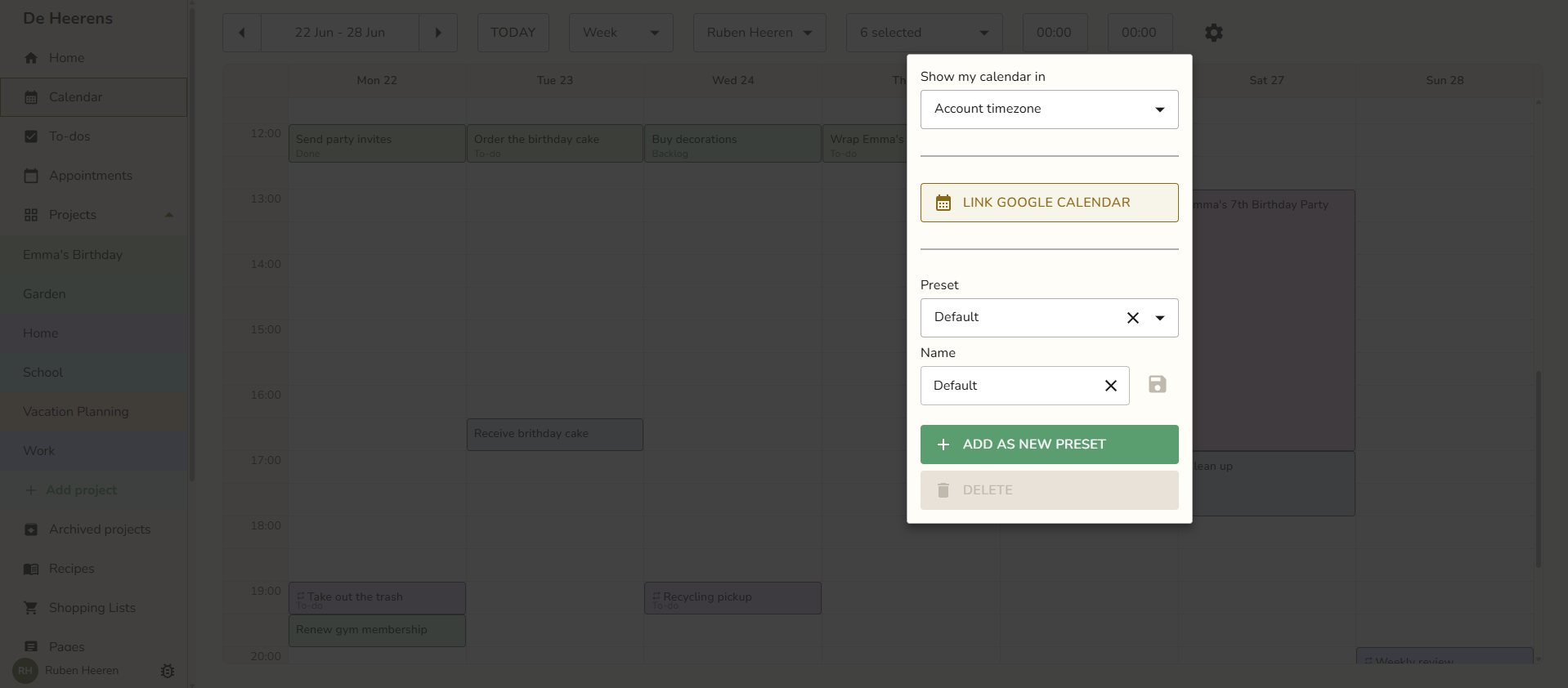
Bring your other calendars in under Settings → Calendars:
Google Calendar - Events sync both ways. Changes in Snug appear in Google Calendar, and changes in Google Calendar appear in Snug.
Outlook - Outlook.com and Microsoft 365, read-only.
Calendar links - Paste any calendar's .ics link, read-only.
Apple Calendar - On an iPhone, show the events from your phone's calendar.
Public holidays - Turn on the holidays and special days of your country.
Birthdays from your contacts show up as yearly all-day events.
Adding events
Click any time slot to create a new event, or use the + in the top bar. Set the title, time, and optionally a repeat or reminders.
Reminders
Add push notification and email reminders to any event. Choose from preset options (5 min, 15 min, 30 min, 1 hour, 4 hours, 1 day before) or set a custom time.