
Projects
Last updated:
Organize tasks into color-coded projects.
Useful for stuff that's too big for loose to-dos, like a home renovation or building an app.
Creating projects
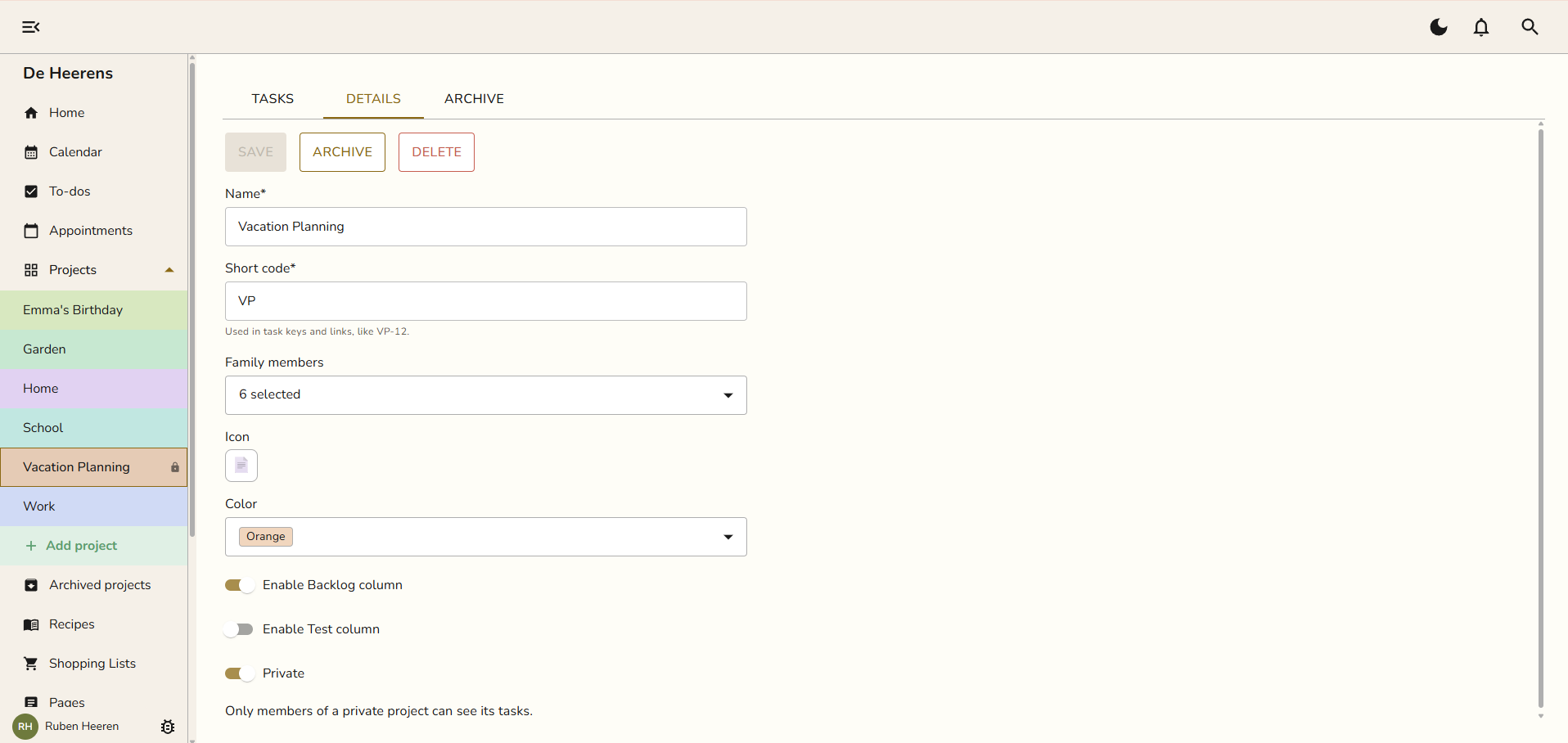
Create projects from the projects list in the sidebar, or use the Add project button. Give each one a name, a color, and an optional icon.
Assigning tasks to projects
When you create or edit a task, pick the project it belongs to.
Your first project
Every new family starts with one Example project so you have a place to put your first task. Rename it, recolor it, or delete it once you find your feet.
Private projects
A project can be private to you. A private project shows a small lock in the sidebar, and only you can see it.
Archiving
Finished with a project? Archive it from the project menu. Archived projects move to Archived projects at the bottom of the list and stay out of your way. All Snug plans include unlimited projects.