
Version 1.19
This release makes it easier to connect your AI assistant to Snug, with a simple sign-in. It also brings PDF previews and printing for your files, quicker menus on every card, a tidier fit on your phone, and a batch of fixes.
It's now easier to connect your AI
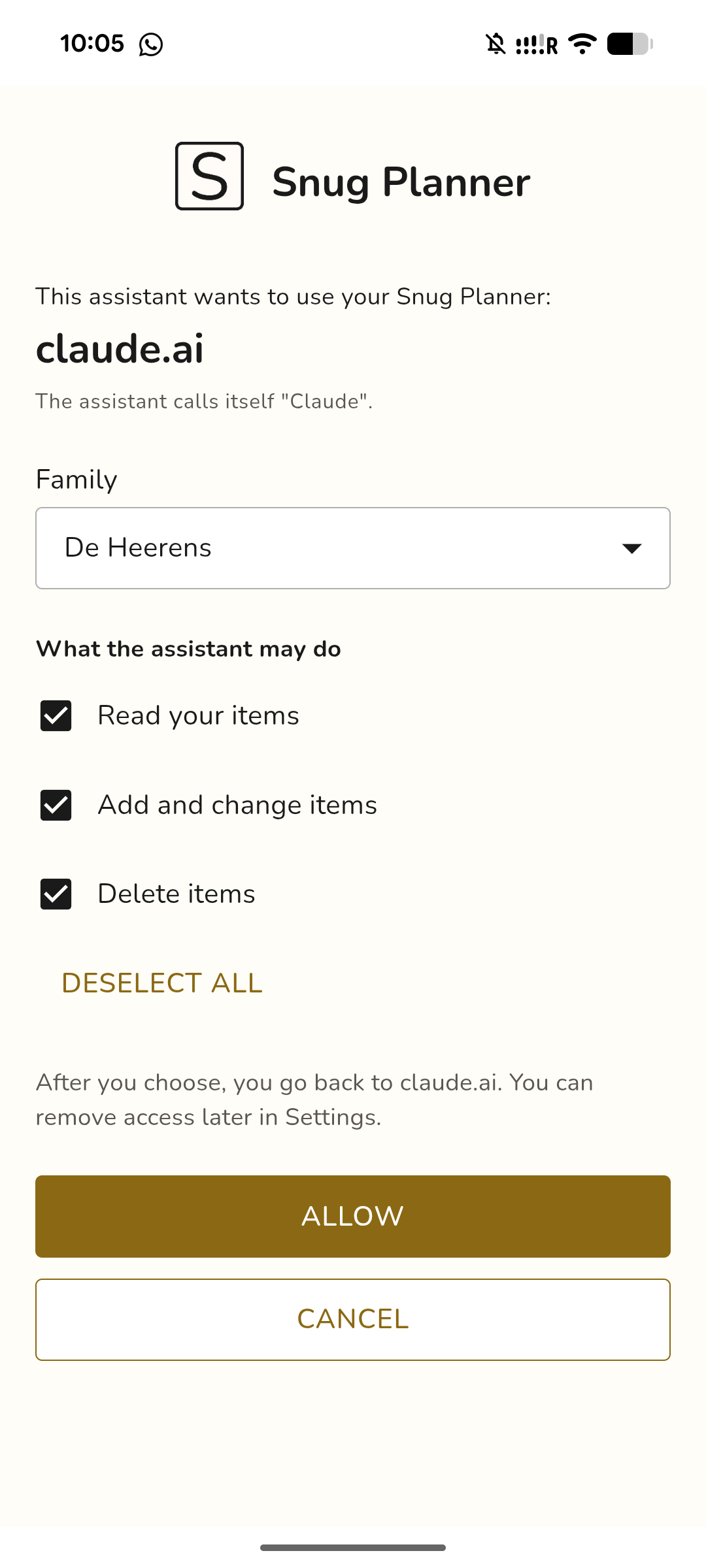
Connecting Claude or ChatGPT now takes a link and a sign-in. Paste the Snug link into your assistant and sign in with your Snug account. You then choose what the assistant may do: only read, also add and change, or also delete.
Every connection shows up in Settings, and you can disconnect one there at any time. When someone leaves your family, their assistant loses access too. An API key still works if your assistant does not support signing in.
Your files, front and center
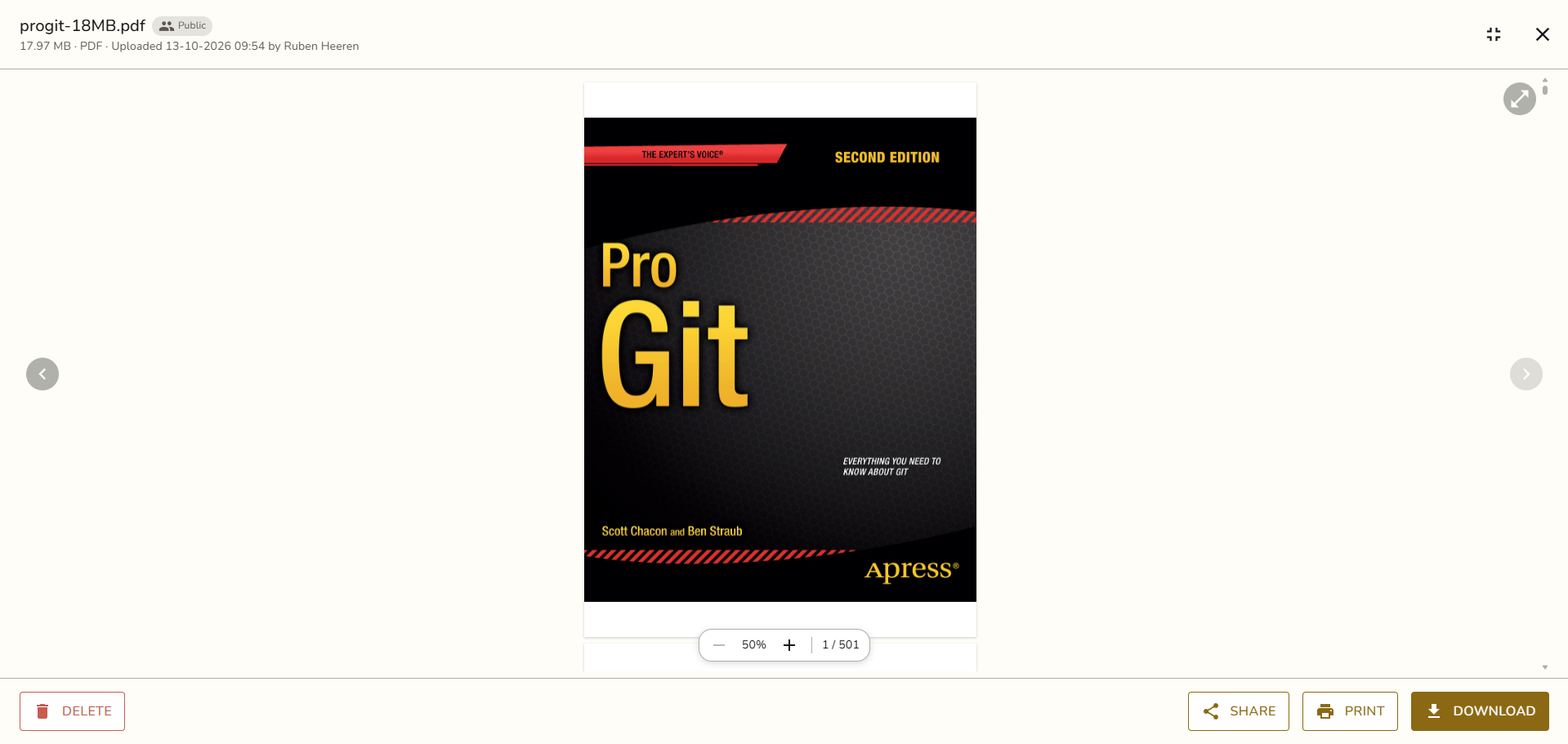
PDFs now open right inside the file, with zoom and a page counter. Images, videos and PDFs open full screen, and a click beside the page brings you back.
You can print PDFs and images straight from the file. Sharing a file lives in one Share menu when you right-click it.
Your file list now shows a preview of each PDF's first page, the same as photos and videos.
Quicker menus on every card
Right-click a task on the board, on Home or in your calendar and pick Change status. To-dos get Mark done and Mark not done in the same spot.
On a phone, hold a card still for half a second and its menu opens. Start moving and the card follows your finger instead.
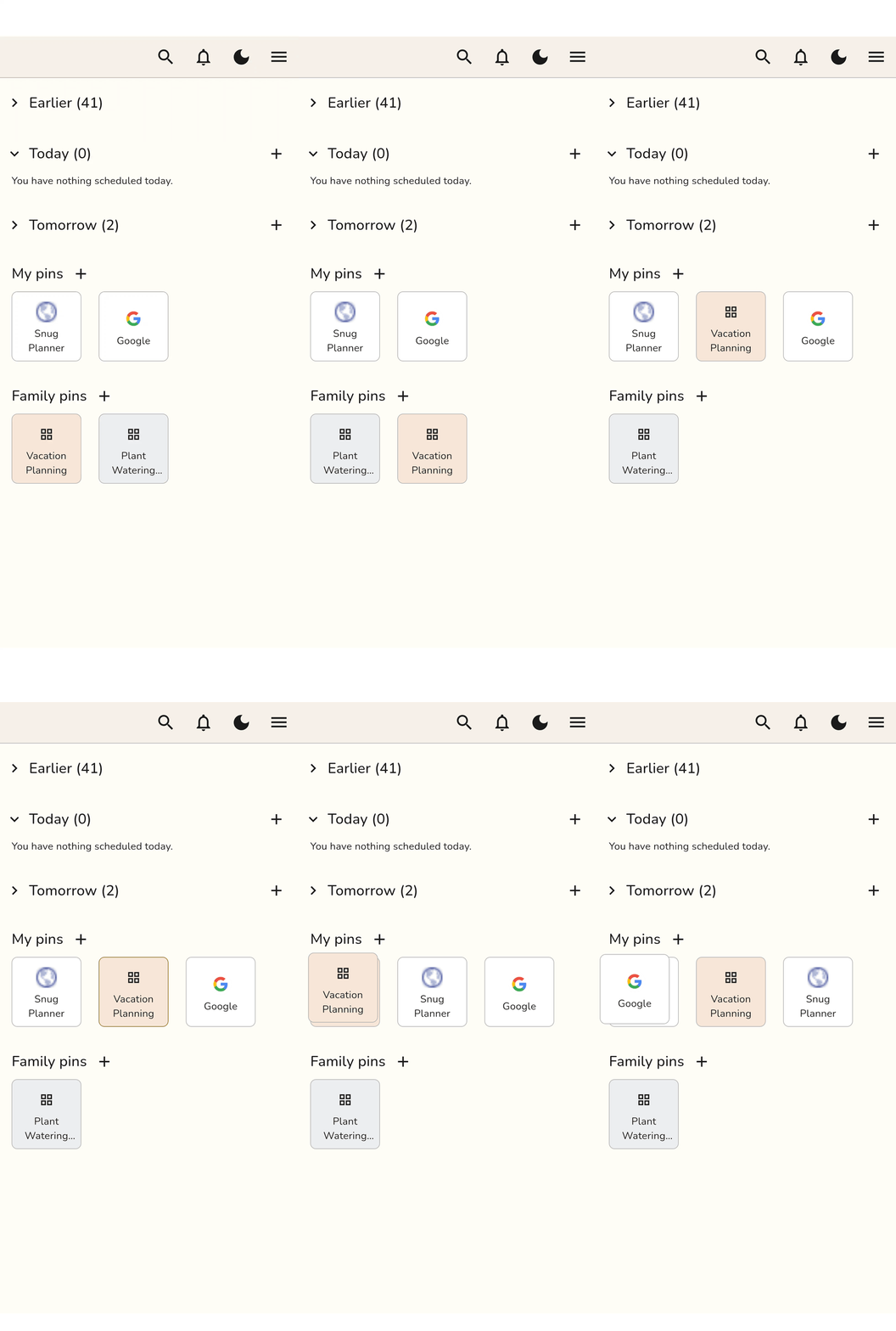
Home now always shows Earlier, Today and Tomorrow, with a count beside each. You can drag pins between My pins and Family pins.
A tidier fit on your phone
We went through the app and smoothed a lot of small edges, mostly on phones.
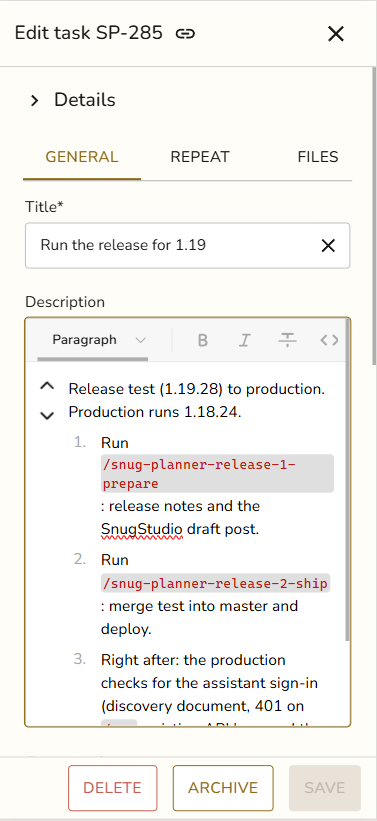
Item dialogs open with the title first. Details, reminders and comments follow below it.
Delete, Archive and Save fit on one row in every language.
Icons, buttons and fields line up along the same edge on every screen.
Menus share the same look everywhere, and holding a card no longer selects its text.
Before
After
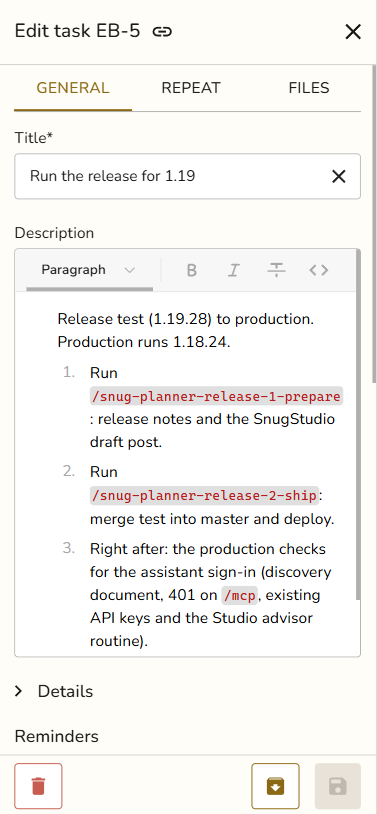
Properly aligned!
Fixes and improvements
The Save button shows a spinner while saving, then a check mark, so no pop-up covers your work.
An open task, appointment, to-do, contact, saved place or file now has its own link in the address bar, ready to share.
Tapping Labels on a phone opens the list without the keyboard. Tap again to search or add a label.
On Android, Google Password Manager can now fill your Snug login.
An App Store subscription now goes to the family that bought it.
A referral link opens the sign-up form in the app with the code filled in. Referrals now count App Store subscriptions too.
Switching off the Backlog or Test column no longer fails when it holds archived tasks.
The first click on a card always opens it.
Plus visual and stability improvements throughout the app.