
Version 1.17
This release gives your pages a home in the main menu and turns each page into a calm place to read and write, and it also brings a menu you can resize, a month view that scrolls on phones, and a batch of fixes.
Your pages, right in the main menu
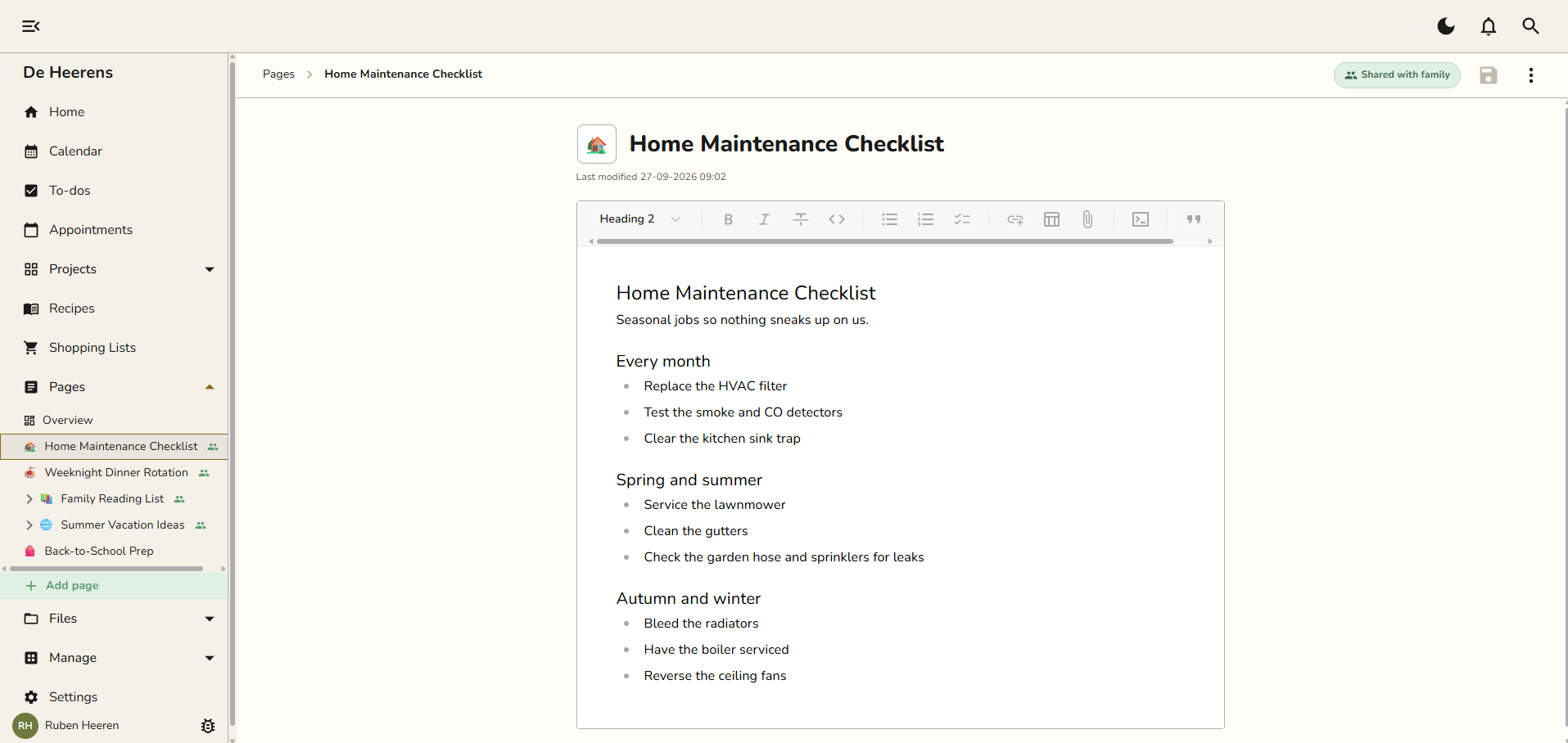
Your pages now sit in the main menu under Pages, the same way Projects and Files open up.
Your whole page tree is one tap away on every screen. Drag a page to reorder it or tuck it under another page, on your phone too.
The Pages overview works like a small library. Search sits at the top, then your four most recent pages, then every page from A to Z.
A page that reads like a document
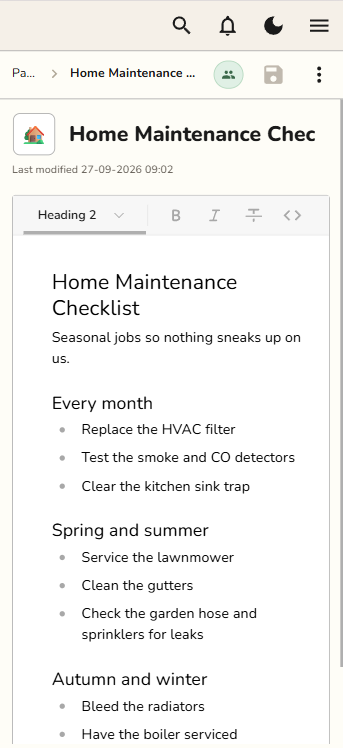
The title and icon form the page's heading.
A trail at the top shows where the page sits, and stays in view while you scroll.
Snug saves as you type, and saves again when you leave the page. The top bar shows when your changes are saved.
The Private or Shared with family label at the top is a button. Tap it to change who sees your page.
Pages and recipes editor have the same width a sheet of A4, laying the groundwork for a PDF export and a better print feature (coming soon).
A menu that fits you
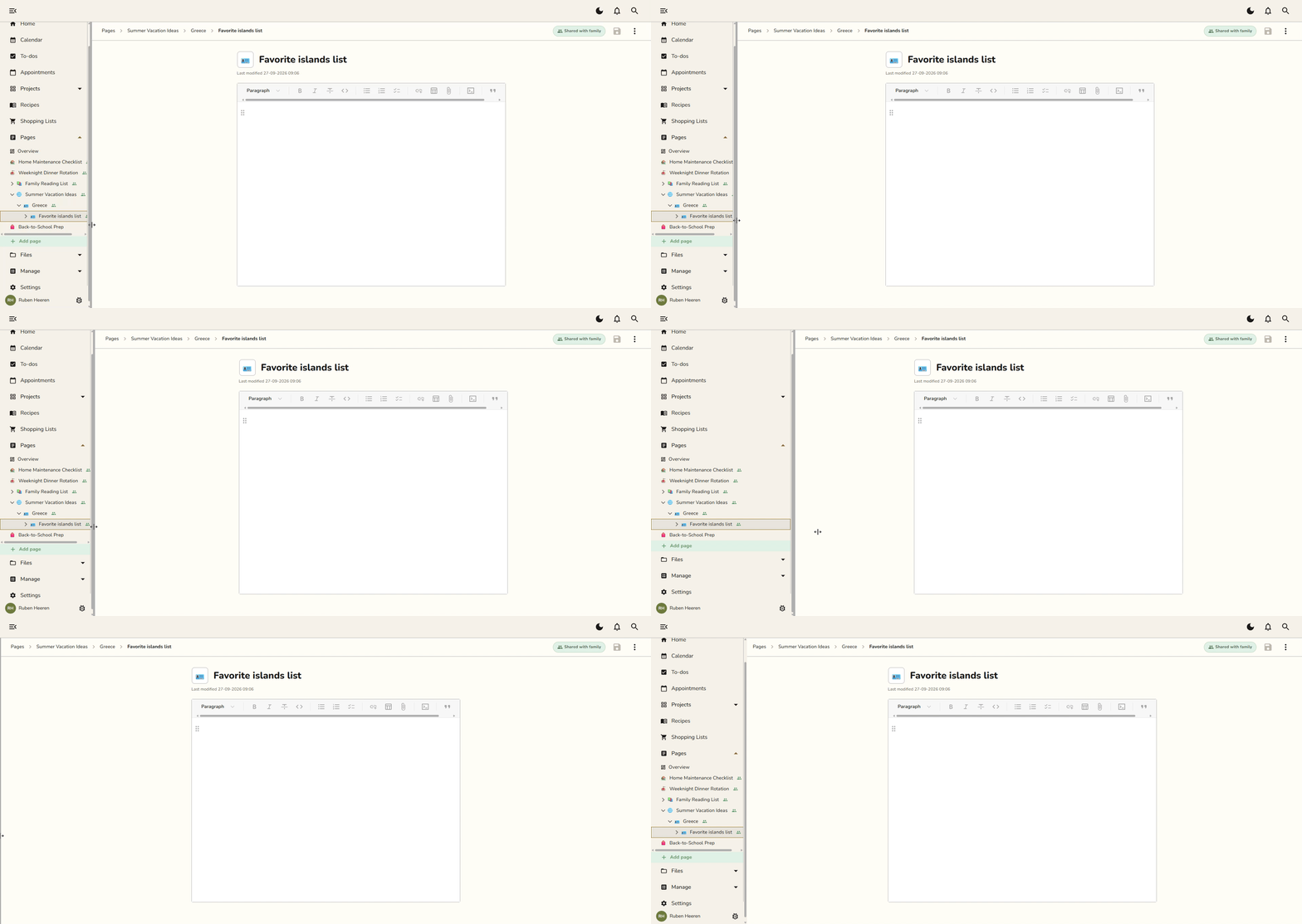
On a computer, drag the edge of the main menu to make it wider or narrower. Snug remembers the width you pick. Drag it all the way in to fold the menu away.
Your favorite emoji, close at hand
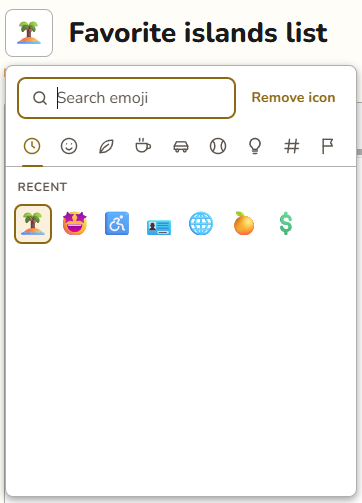
The emoji picker for pages and projects got a redesign. It should feel much more user friendly now. More icons are available.
It now remembers the emoji you used recently, so your favorites sit right at the top and you can search and remove the currently selected emoji.
Fixes and improvements
The month view scrolls sideways on phones, and moves to the next month once you reach the edge.
Get directions now opens your maps app on phones.
Signing in with Google or Apple on Android no longer gets stuck on a loader.
Fixed the top bar showing twice as tall on iPhone in dark mode.
Plus visual and stability improvements throughout the app.
Pages redesign
Emoji picker redesign