Author: Snug
-
Version 1.10.8 (July 30 2026)
This release brings comments to Snug’s AI integration. If you’ve connected an AI assistant like Claude to your Snug account, it can now join the conversation on your tasks, appointments, and to-dos, and it also adds shopping trip scheduling, keyboard navigation in the file viewer, and a batch of fixes across the app. Your…
-
Version 1.9.6 (July 24 2026)
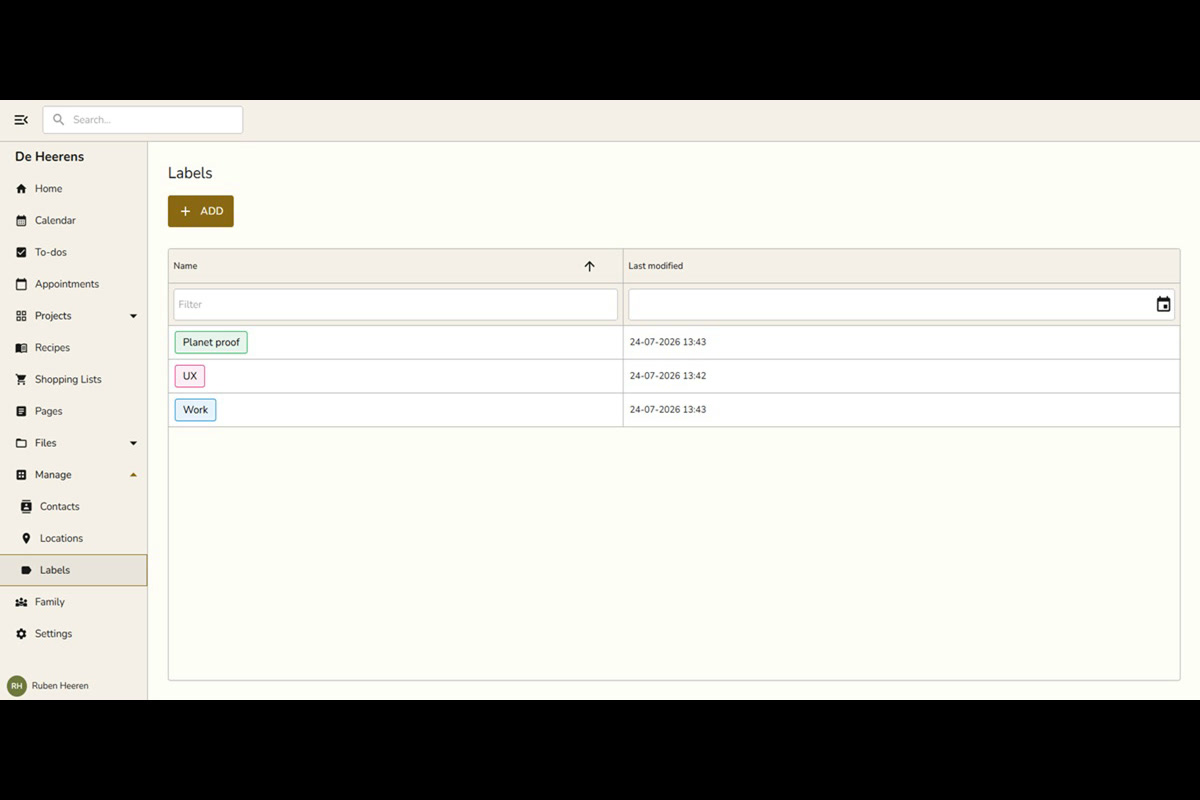
Big news: Snug Planner is now live in the Apple App Store! This release also introduces labels, a colorful new way to organize everything you plan, along with smarter recurring items, a simpler family page, and a batch of fixes across the app. Snug Planner is now on iPhone and iPad The Snug Planner…
-
Claude and Snug Planner
Did you know you can connect Claude to Snug Planner and you can run your whole household/life by just directing Claude in plain language. Claude does the clicking, typing, and organizing for you. Let’s start with an overview of what that looks like, and later in this article I will show you a few concrete…
-

Version 1.8.7 (July 19 2026)
Version 1.8 is here. This release lays the groundwork for subscribing to Snug on your iPhone and iPad, and it also brings faster file uploads, notes for your saved places, and a batch of polish across the app. Key features In-app subscriptions coming soon to iPhone and iPad We use Stripe for our Android…
-
Version 1.7.4 (July 11 2026)
Version 1.7 is here! This release adds Sign in with Apple across all platforms, makes Pages nicer to navigate and user friendlier, and teaches the AI assistant (via our MCP server) to organize your project boards. There is also a handful of polish for mobile and the home screen. Key Features Sign in with…
-
Version 1.6.2 (July 1 2026)
Version 1.6 is here! The focus this time is sharing and privacy. You can now keep individual pages private or share them with your family, projects respect who’s actually a member, and the referral program is easier to use and more rewarding. On top of that, mobile navigation feels better and the AI assistant got…
-
Version 1.5.21 (June 24 2026)
v1.5.21 – Calendar polish, a longer trial, and a smarter assistant This update is all about the little touches that make everyday planning smoother. The calendar gets a handy Today button and a cleaner header, subscribing is friendlier with promo codes and a longer free trial, and the built-in AI assistant got noticeably sharper. Plus…
-
Version 1.5.10 (June 17 2026)
v1.5.10 – Comments, Task Archive & File Previews This update is all about working together. You can now leave comments on tasks, appointments, and to-dos, archive tasks you’ve finished to keep your boards tidy, and see photo and video previews in the files area. We’ve also smoothed out uploads on mobile and fixed a batch…
-
Version 1.4.11 (June 8 2026)
v1.4.11 – Home screen, Contacts, Locations & Search Everything Snug now opens to a brand new Home page that shows your day at a glance, adds a shared Contacts and Locations directory, and lets you search across everything in one place. On top of that: richer notes and recipes, app-wide zoom, project archiving, and a…
-
Version 1.3.44 (May 25 2026)
v1.3.44 – Backlog, Archive & Deep Linking This release adds a Backlog column to projects, lets you archive finished projects, brings deep linking to the mobile apps, and ships a long list of fixes across iOS, Android, and the editor. Projects: Backlog Column Projects now have a Backlog column on the kanban board, ahead…
-
Version 1.3.26 (May 19 2026)
v1.3.26 – Files on Everything & Android Polish This follow-up to v1.3.2 wires files into to-dos and appointments, keeps attached files tidy when their parent is deleted, adds a proper Help & Support tab in Settings, and irons out a stack of Android upload and sharing bugs. Files on To-dos and Appointments Tasks already…
-
Version 1.3.2 (May 15 2026)
v1.3.2 – Files, Pages, Personal Planner The biggest release yet. Snug now has a full file manager, a free-form document editor called Pages, personal to-dos, and a refreshed identity as your personal planner first, family planner second. Files A complete file manager lives at the top of your sidebar. Upload anything, organize it into…
-
Version 1.2 (March 20 2026)
v1.2.1 – Dark Mode, Multi-Language & Quality of Life Snug now speaks your language and looks just as cozy after sunset. This release brings 6 languages, a full dark mode, smarter editing for recipes and shopping lists, and a whole lot of polish. Dark Mode Every screen in Snug now has a carefully tuned dark…
-
Version 1.1 (March 16 2026)
The first release after launch ! Changes Reminders UX Overhaul Communication Settings Registration Updates Dialog Layout Improvements DataGrid Cleanup Bug Fixes
-
Why I built Snug
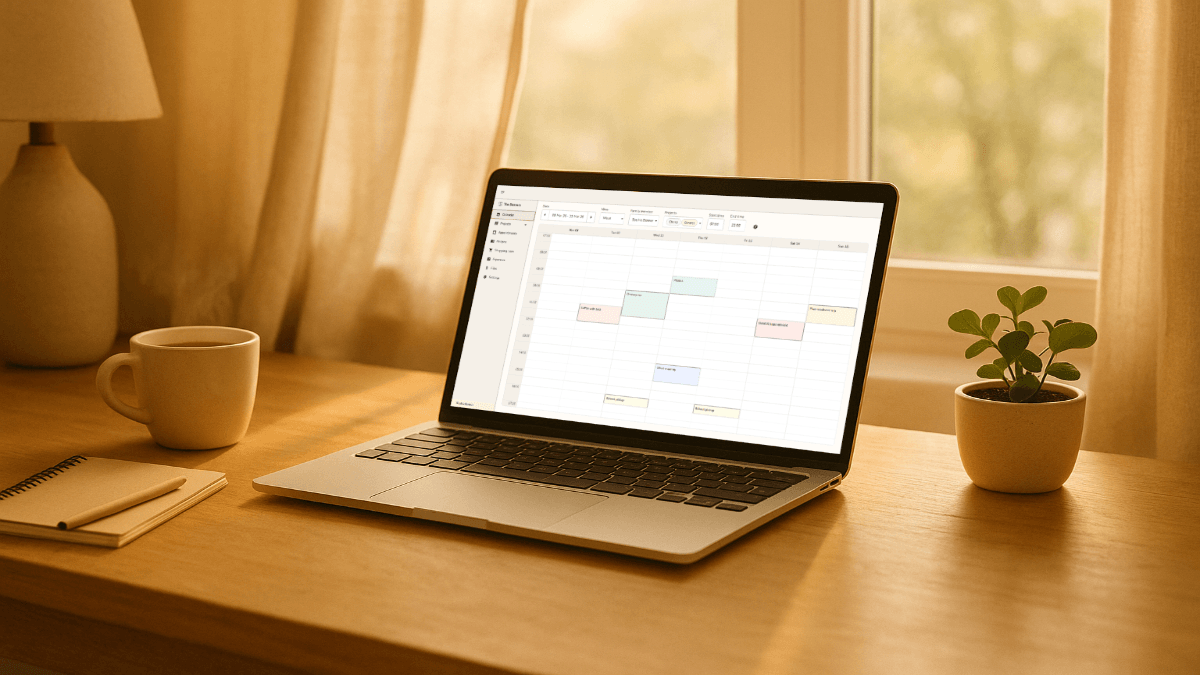
I went through Notion, Todoist, and Google Calendar before building my own organizer. Here’s why.